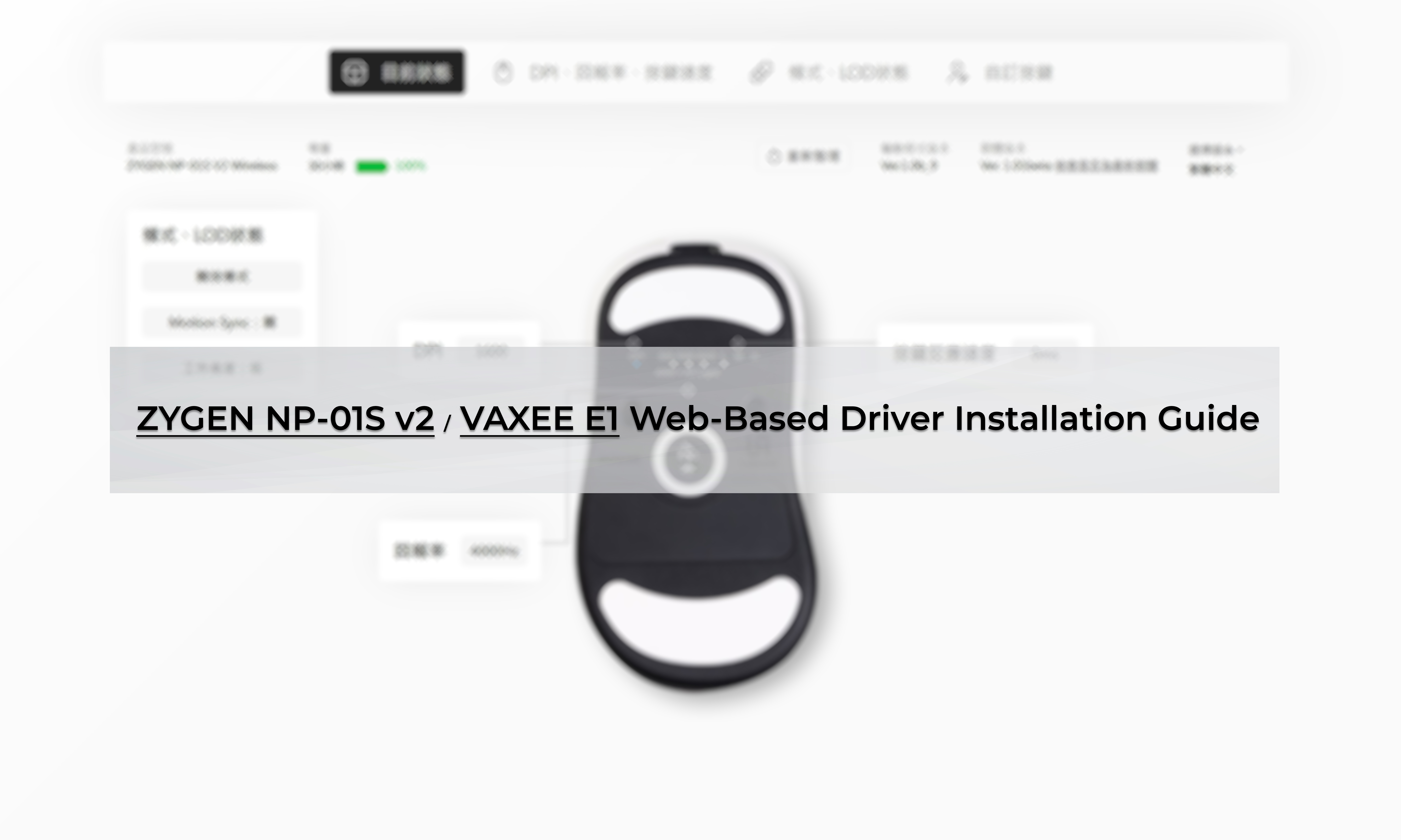
The purpose of developing the web-based driver is not only to provide a convenient way to adjust mouse settings but also to ensure that it does not affect the low latency and interference resistance of wireless transmission. After a period of development and testing, it has met our standards, offering a reliable, stable, and user-friendly web-based driver.
After completing the firmware update, no additional software installation is required on your computer. Adjusting settings via the web-based driver does not affect the mouse’s real-time responsiveness, and the driver runs in the background without interfering with gameplay.
It also provides battery life estimates based on actual usage conditions and supports function adjustments on both Windows and macOS.
To ensure that all models meet the standards of a reliable, stable, and user-friendly web-based driver, we ask for your patience as we conduct thorough testing. Firmware updates will be released in batches.
Early March Release:
VAXEE XE-S Wireless 4K
VAXEE XE-S (L) Wireless 4K
VAXEE x Ninjutso Sora Wireless 4K
Late March Release:
VAXEE XE Wireless 4K
ZYGEN NP-01 Wireless 4K
ZYGEN NP-01S Wireless 4K (Generation 1)
VAXEE AX Wireless 4K
To assist everyone with the firmware update, we have provided both written and video instructions. Simply follow the steps to complete the installation.
※Firmware Update Notes:
1.Ensure you download the correct firmware update file for your specific mouse model. Installing the wrong firmware will not work. For example, the NP-01Sv2 cannot install the E1 firmware.
(For those who previously tested the E1 web-based driver, a special version is required for the update. Please contact customer support, and we will provide the update files and instructions. For those who tested the NP-01Sv2 version, there is no impact, and you can directly download the update.)
2.Extract the downloaded firmware update compressed file.
3.If the folder path where the update program is located contains non-English characters such as Chinese, Japanese, or Korean, the update program may fail to launch, and clicking the software may result in no response.
If you encounter this issue, copy the entire update folder to your C drive and then run the program.
4.Update the receiver (Dongle) first. After the update is complete, proceed to update the mouse.
The purpose of developing the web-based driver is not only to provide a convenient way to adjust mouse settings but also to ensure that it does not affect the low latency and interference resistance of wireless transmission. After a period of development and testing, it has met our standards, offering a reliable, stable, and user-friendly web-based driver.
After completing the firmware update, no additional software installation is required on your computer. Adjusting settings via the web-based driver does not affect the mouse’s real-time responsiveness, and the driver runs in the background without interfering with gameplay.
It also provides battery life estimates based on actual usage conditions and supports function adjustments on both Windows and macOS.
To ensure that all models meet the standards of a reliable, stable, and user-friendly web-based driver, we ask for your patience as we conduct thorough testing. Firmware updates will be released in batches.
Early March Release:
VAXEE XE-S Wireless 4K
VAXEE XE-S (L) Wireless 4K
VAXEE x Ninjutso Sora Wireless 4K
Late March Release:
VAXEE XE Wireless 4K
ZYGEN NP-01 Wireless 4K
ZYGEN NP-01S Wireless 4K (Generation 1)
VAXEE AX Wireless 4K
To assist everyone with the firmware update, we have provided both written and video instructions. Simply follow the steps to complete the installation.
※Firmware Update Notes:
1.Ensure you download the correct firmware update file for your specific mouse model. Installing the wrong firmware will not work. For example, the NP-01Sv2 cannot install the E1 firmware.
(For those who previously tested the E1 web-based driver, a special version is required for the update. Please contact customer support, and we will provide the update files and instructions. For those who tested the NP-01Sv2 version, there is no impact, and you can directly download the update.)
2.Extract the downloaded firmware update compressed file.
3.If the folder path where the update program is located contains non-English characters such as Chinese, Japanese, or Korean, the update program may fail to launch, and clicking the software may result in no response.
If you encounter this issue, copy the entire update folder to your C drive and then run the program.
4.Update the receiver (Dongle) first. After the update is complete, proceed to update the mouse.
Following the passing of ZYGEN founder Junya "noppo" Taniguchi, VAXEE removed the ZYGEN logo from our mice and their packaging. However, we retained the original artwork on the mousepads, as we regarded ZYGEN as both the product name and an integral part
NP-01 Ergo Video Introduction and Sales Information
Jul, 16 ,2026
The NP-01S V3, released in April, received positive feedback from users and professional players for its "true-to-hand" tracking performance. Based on the same architecture, we developed the new NP-01 Ergo, a shape designed for users who prefer a slightly
NP-01S V3 Now Available in Obsidian Black and White
Jun, 26 ,2026
For those who have been waiting for black and white versions, the new Obsidian Black and White colorways of the NP-01S V3 have now been shipped from our Taipei office to all regions.



 Member Login
